The shift to remote work has been a game-changing enhancement to flexibility and the ability to hire the best talent. But as our teams log in remotely from coffee shops, home offices, and co-working spaces around the world, the traditional corporate security perimeter has effectively disappeared. This new reality requires an engaged, modern mind to security.
A trustworthy remote team is not founded on trust; it’s founded on clear, concrete policies that guard your business’s most vital assets: its data and its people.
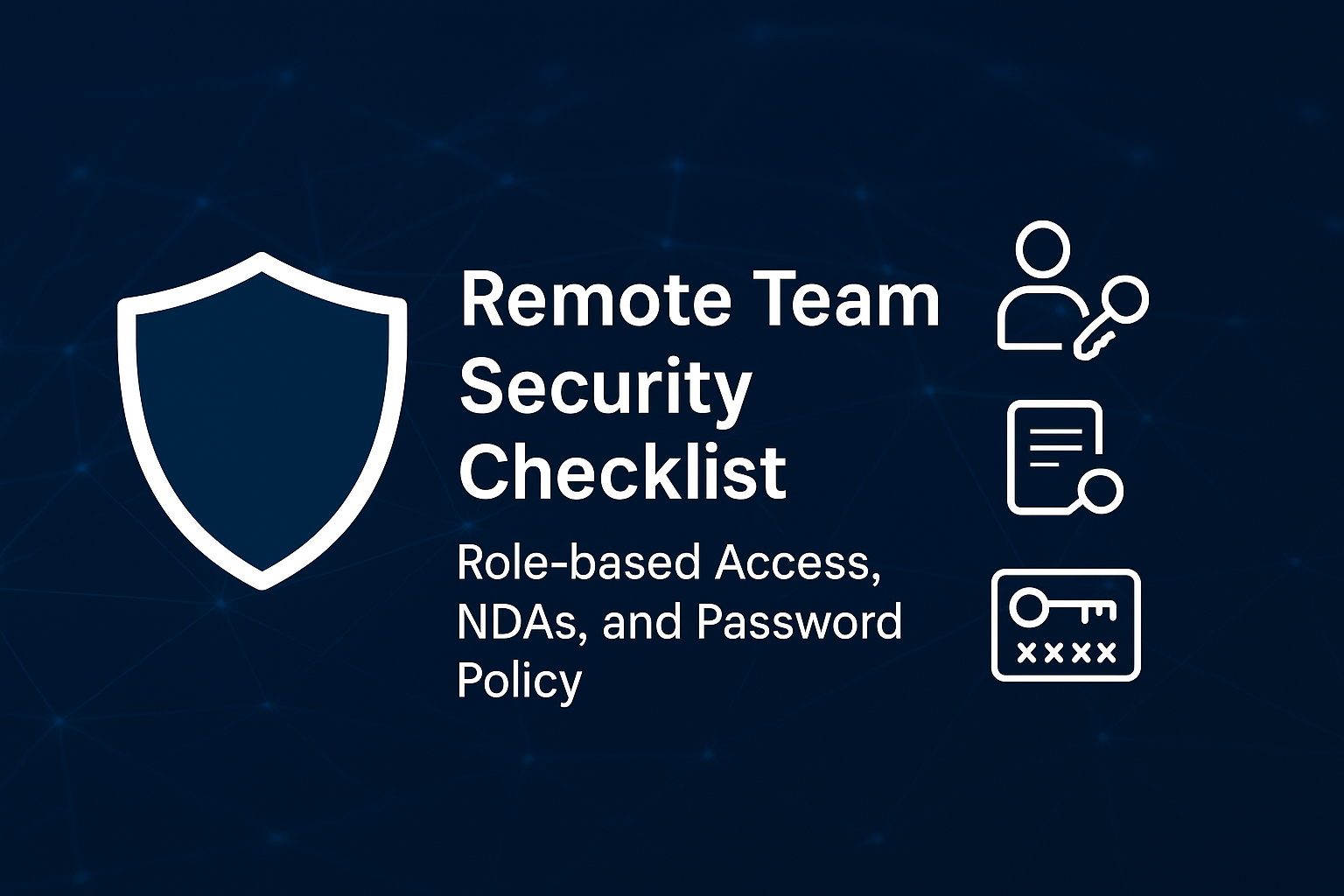
If you’re working with a disjointed team, here is your essential three-point security checklist to get your whole team speaking the same language and your virtual doors securely shut.
1. Role-Based Access Control (RBAC): Principle of Least Privilege
Not every person in your office has a key to the CEO’s corner office or the finance department’s file cabinet. Your virtual office shouldn’t be any different. Enter Role-Based Access Control (RBAC).
What it is: RBAC is the practice of limiting employees to viewing only the data and programs absolutely necessary to get their work done. Also referred to as the “principle of least privilege.”
Why it’s so important to remote teams:
- Limits Damage: If a computer is hacked, RBAC restricts what the attacker can view. A hacked social media manager account shouldn’t allow someone access to your finances.
- Reduces Internal Risk: It keeps well-intentioned employees from inadvertently viewing, editing, or deleting sensitive information they shouldn’t be looking at.
- Simplifies Onboarding/Offboarding: When you bring on a new team member, you just assign them a role (e.g., “Marketing Associate”), and their access credentials are set up automatically.
- Compliance: RBAC supports compliance with various regulations such as GDPR, HIPAA, SOX, and ISO/IEC 27001 by providing clear access controls and audit trails.
- Scalability: RBAC simplifies the management of permissions in large organizations by grouping users into roles, making it easier to manage access as the organization grows.
- Operational Efficiency: Automating access control through RBAC reduces the administrative burden on IT departments and ensures consistent enforcement of security policies.
Your RBAC Checklist:
- Define Important Roles: List out each job role in your business (Developer, Sales Rep, HR Manager, etc.).
- Define Data & Tool Access: Document each software tool (Slack, Salesforce, GitHub) and each type of data (customer PII, financial forecasts, source code) that each role requires.
- Implement & Enforce: Set up your identity provider (e.g., Okta, Azure AD) or per-tool setup to control these levels of access.
Audit Quarterly: Roles change. Occasionally, execute audits to ensure access permissions remain current and eliminate those that are no longer valid.
2. Non-Disclosure Agreements (NDAs): Protecting Your Intellectual Property
Since your team members are located remotely all around the globe, your intellectual property—code, business concepts, client referrals—is being accessed in an uncontrolled setting at all times. An NDA is your initial legal protection.
What it is: A Non-Disclosure Agreement is a legally binding agreement that prohibits employees from sharing confidential company information with third parties.
Why it’s so critical to remote teams:
Clear Boundaries: It establishes clearly what data is to be kept confidential and leaves no room for discretion.
Legal Recourse: It provides an easy way out for legal recourse in case of willful or accidental leakage of sensitive data.
Builds a Culture of Security: A signed NDA is required, which makes security everybody’s job from the very beginning, as it makes secrecy more important.
Your NDA Checklist
Customize to Role: A coder NDA may prioritize source code, while one for a member of a biz-dev team may prioritize client and partnership info. Don’t be an across-the-board blanket exception.
Make it an Unwavering Component of Onboarding: No access to systems is ever approved until receipt and retention on file of the executed NDA.
Don’t Leave Contractors Behind: Make sure that any third-party agencies or freelancers on your team fall under the jurisdiction of a powerful NDA as well.
Review and Revise: Engage a lawyer to review your NDA templates periodically to ensure they remain enforceable and potent.
3. Secure Password Policy: Your First Defense
Your passwords are your keys. If you can’t even get a peek at what’s scribbled on a post-it note stuck to the back of a computer screen in an off-site place, a secure password policy is something you require.
What it is: A policy that defines parameters for password regulations to create and secure your company systems’ access.
Why it matters to remote teams:
- Prevents Credential Stuffing: Weak, duplicated passwords are #1 data breaches. Strong policy prevents that.
- Protects Against Phishing: Even if a phished password is obtained, multi-factor authentication (MFA) can terminate an attack.
- Creates Consistent Security: It makes sure every member of your team, no matter where they are, is using the same high level of protection.
Your Password Policy Checklist
- Require a Password Manager: It’s job number one. Tools such as 1Password, LastPass, or Bitwarden create and remember good, unique passwords for all accounts so they never have to be memorized.
- Require Multi-Factor Authentication (MFA): Implement MFA on all and any app that offers it. This adds an essential second factor of security in addition to the password.
- Set Minimum Password Requirements: Establish a minimum password length of 12 characters, with the need for a combination of upper/lower case letters, numbers, and special characters.
- End Password Sharing: Avoid sharing passwords through Slack, email, or DM. Utilize solutions such as Slack Connect or shared channels in your password manager to securely share credentials when necessary.
Offboarding Plan: Have an immediate process in place to shut down all accounts and remove all access the moment an employee leaves.
Ultimately, the policies are only as strong as your team’s commitment to enforcing them. Security can’t be made a headache from above.
Spell out the “why” behind the policy. Tell your team how the precautions safeguard them and the company.
Give your team the tools (e.g., company-paid password manager) to make compliance easy.
Lead by Example: If leadership commits to embracing the practice of MFA and security procedures, it becomes a model for the rest of the organization.
By using these three-tiered systems Role-Based Access, NDAs, and a good Password Policy—you’re not only protecting data, you’re establishing a foundation of responsibility and trust that gives your remote team room to breathe safely anywhere in the world.
What’s the very first security policy you’ll be discussing with your team?